Cover With Text Generator
Cover With Text Generator is a simple and efficient online tool that helps you quickly create 2:3 cover images with customizable titles, captions, or any text you need—perfect for blog covers, eBook covers, posters, and more.
How to Use Cover With Text Generator
1. Enter the text you want to include
Add the title or short message you want to appear on the cover. Currently, the tool supports simple English text only.
2. Provide a visual prompt
Describe the style or scene you want for your cover image. The AI will use your prompt to generate the background and overall look.
3. View your result
Check the generated cover. If the text doesn’t appear or the result is not ideal, try generating again 2–3 times—but avoid endless retries. Each attempt may vary due to AI randomness.
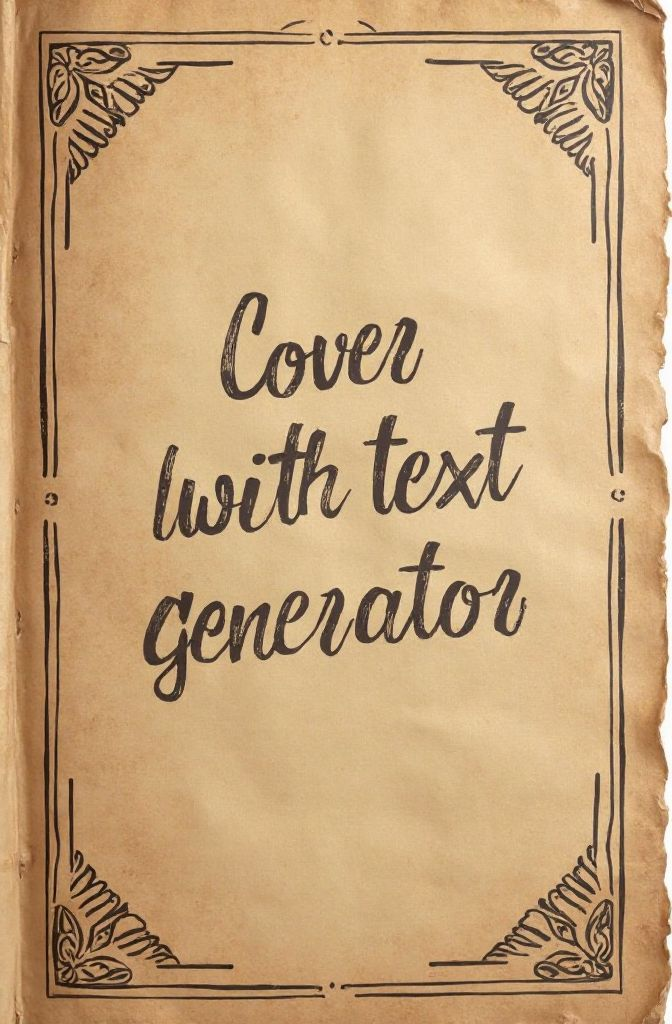
Create text-enhanced covers in a simple way
Frequently Asked Questions
Designed specifically for creating covers with handwritten-style text, the Cover With Text Generator is an online tool that lets you easily produce clean, professional 2:3 ratio cover images. It allows you to add natural, hand-drawn-looking titles or notes directly onto the cover, making it ideal for journals, blogs, eBooks, planners, and visually expressive projects.
Currently, non-English text is not supported due to cost considerations. If you need to generate covers in other languages, you can visit our homepage and choose a different model—then use a custom prompt to achieve the desired result.
Not always. Since the image is generated through prompt-based AI models, we cannot guarantee that the text will appear every single time. If the text is missing, simply try generating again. We are continuously refining and optimizing our prompts to improve consistency.