Online AI Agent — Describe a Task & Run It
Research, writing, brainstorming, personal tasks, and creative workflows — describe a task, submit with credits, then reopen results under My Tasks.
Try a scenario
Example · From a real Hunata run
Research sample · job 40430cf0
# When should a small SaaS team use an online AI agent for research briefs?

**Audience:** Indie founders evaluating Hunata-style browser agents
**Research checked:** 3 November 2026

**Recommendation:** Use a queued agent job when you can specify a finishable research assignment, wait for the result, and benefit from a reusable brief. Use a plain chatbot when you are still discovering the question or need rapid discussion. Judge the choice by founder time saved after fact-checking, not by the “agent” label.

## Key points

- **The practical benefit is task delivery.** Hunata describes credit-metered, queued jobs with results reopened as Markdown or files under **My Tasks**. This suits handing off a bounded brief and returning to review it. These features do not establish unattended web browsing, continuous monitoring, or comprehensive research coverage. ([Hunata product overview](https://hunata.com/hunata-ai))
- **Define “done” before submitting.** Specify the decision, audience, source material, date range, length, required citations, and exclusions. Example: “Using these three competitors’ supplied pricing pages, write one page comparing entry-plan limits for a five-person SaaS team; flag missing facts and end with three open questions.” Confirm available source-access tools before requesting fresh research.
- **More steps need to earn their cost.** Anthropic recommends starting with the simplest adequate approach: agentic systems can trade additional latency and cost for better performance. For founders, a queued job is worthwhile only if its completed output reduces enough research, assembly, or revision work. ([Anthropic guidance](https://www.anthropic.com/research/building-effective-agents))

## Pros and cons versus a plain chatbot

| Dimension | Queued online agent | Plain chatbot |
| --- | --- | --- |
| Best fit | Defined assignment with a reviewable deliverable | Exploring ideas, clarifying scope, quick follow-ups |
| Workflow | Submit, track status, reopen Markdown in My Tasks | Immediate conversation; handoff may require copying or exporting |
| Founder effort | Can reduce repeated prompting and document assembly if the brief succeeds | Easy to steer, but you may coordinate each step |
| Tradeoff | Queue delay, credits, and possible rework | More hands-on attention; often sufficient for a short synthesis |
| Evidence | Require accessible sources and check pivotal claims | Same requirement; research capability depends on enabled tools |

Neither interface guarantees accuracy. A chatbot with research tools may cover the same sources; a queued result is not automatically better researched.

## A low-cost decision test

Run one representative assignment through each option with identical inputs and acceptance criteria. Record your active minutes, elapsed time, credits or fees, unsupported claims, and revision effort. Choose the agent if it produces a usable brief with less total founder effort at an acceptable cost. Keep the chatbot for ambiguous questions or work that benefits from frequent steering.

## Three open questions

1. Which sources can this workspace actually access, and how does it disclose inaccessible pages or outdated evidence?
2. What credits does a typical brief consume, including revisions, and what happens to charges when jobs fail or are cancelled?
3. What queue times, retention, and sharing options apply to Markdown results in My Tasks?

*Evidence limit: Hunata details above match the requested scope and search-indexed official product descriptions; full product pages could not be retrieved. No pricing, browsing capability, or service-level commitment is assumed.*
Switch chips to hide this sample; pick Research again to reopen it. Full text also at /examples/home-research-brief.md.
What Hunata is for
Hunata is an AI agent you can open and use immediately. The home page is the starting point: write a task, submit it, and let Hunata carry the work. You do not need to shop a model catalog first — you describe the outcome and Hunata runs the job.
Below the agent box you will find workflow keyword pages. Each page ships a default prompt template: edit it, submit, and get a result through the same agent path.
New to agents? Start with what is an AI agent, browse AI agent examples, read how to use an AI agent, try a first run on try AI agent for free, or open the AI agent playground. Credits keep usage transparent — see the Hunata pricing page for packs. Sign in with Google when you are ready so tasks and balance stay with your account. Track jobs under My Tasks.
Workflows
Guided workflow pages that help you describe a request and run it with the Hunata AI agent.

Cartoon Character Generator
Build a cartoon character with Form mode options—style, subject, hair, outfit, palette, pose—or edit the prompt, then run one credit-metered Hunata AI agent job and reopen results in My Tasks.
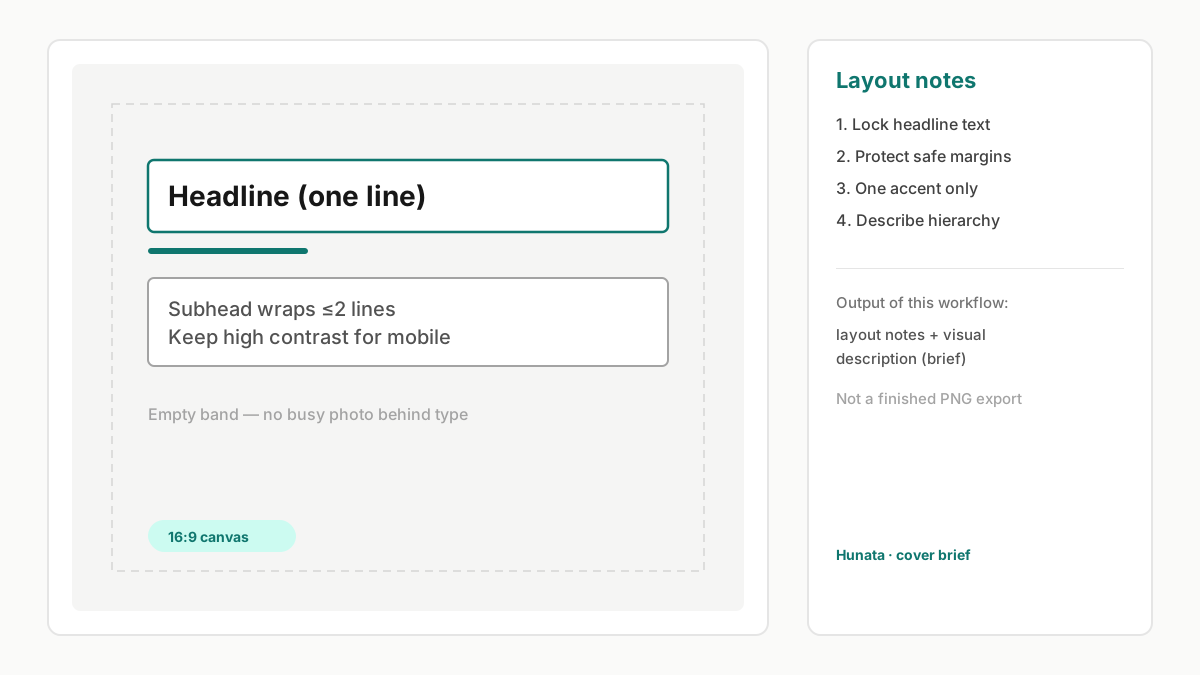
Cover with Text Generator
Brief a cover where the headline must stay legible: fill a ready example, run one Hunata AI agent job, and get layout notes plus a visual description — not a one-click finished PNG designer.
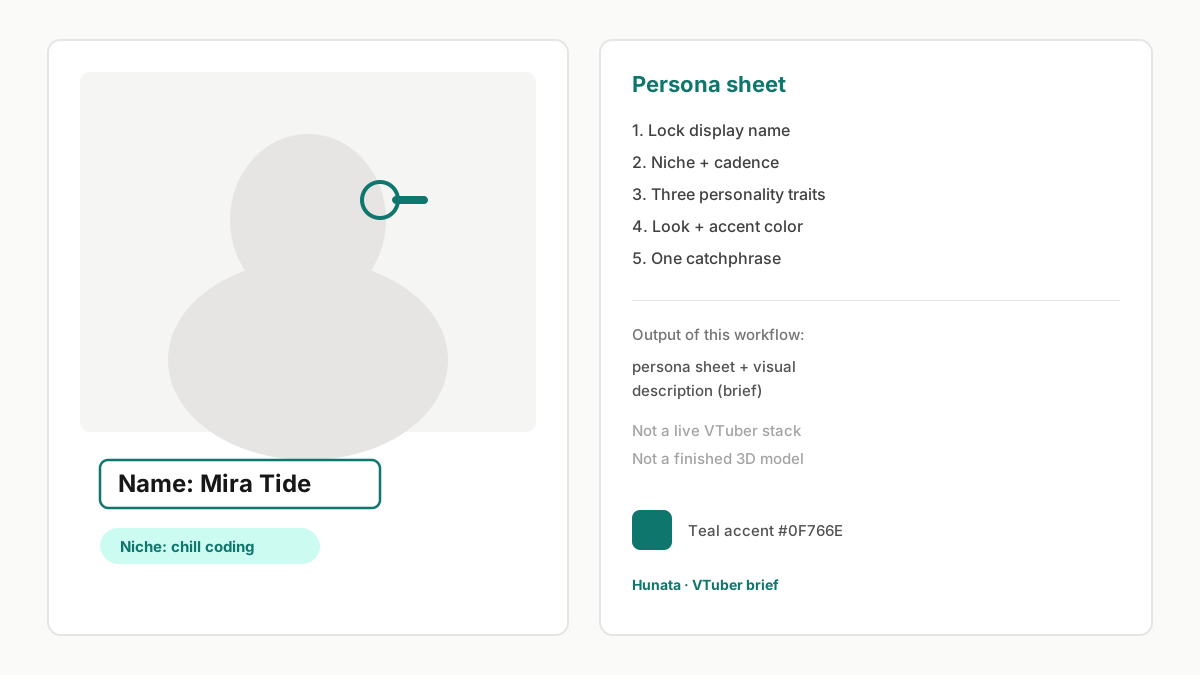
AI VTuber Generator
Brief a VTuber persona and look: fill a ready example, run one Hunata AI agent job, and get a persona sheet plus visual description — not a live streaming stack or finished 3D model.
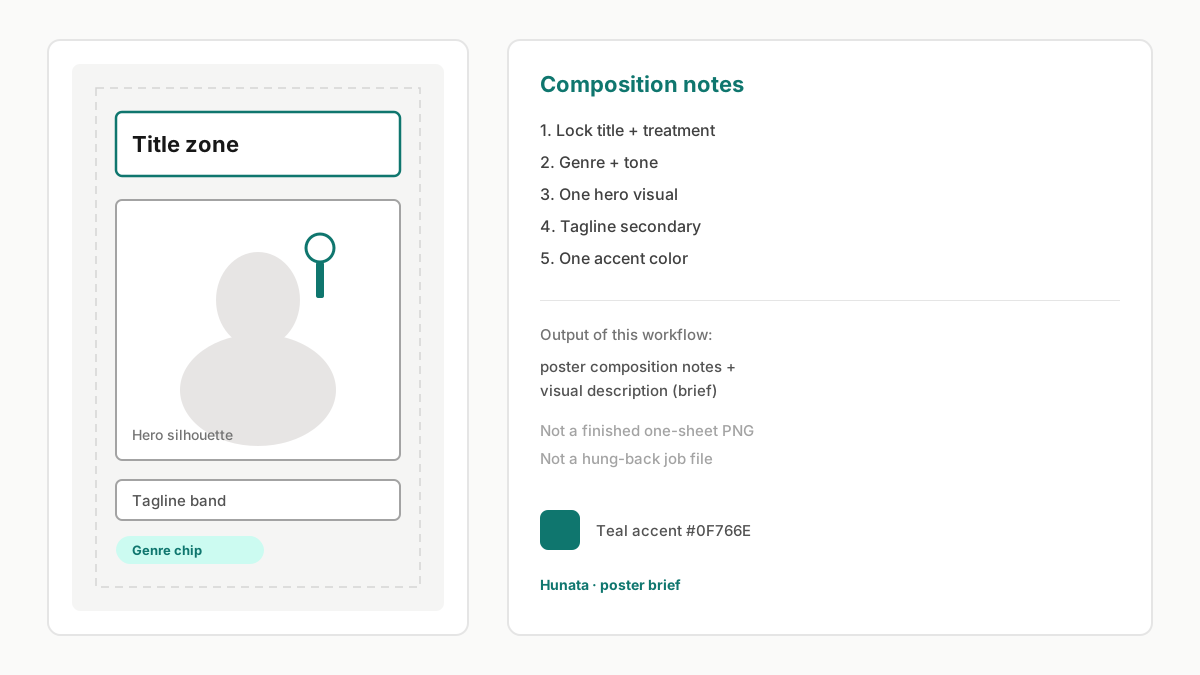
AI Movie Poster Generator
Brief a movie poster: fill a ready title/genre/tone/key visual/tagline example, run one Hunata AI agent job, and get poster composition notes plus a visual description — not a one-click finished theatrical one-sheet.

AI Playlist Cover Generator
Describe a playlist cover mood and run a square-cover brief with the Hunata AI agent — same credits and My Tasks as every other workflow on hunata.com.

YouTube Channel Icon Maker
Brief a YouTube channel icon with the Hunata AI agent — niche, style, and small-size readability in one shared-credit job you can reopen in My Tasks.
Learn more
- Hunata AI
Hunata AI is hunata.com’s online AI agent workspace: describe a finishable task, queue a credit-metered job, and reopen Markdown or files in My Tasks — one pipeline for home and tools.
- Hunata AI Agent
Run the Hunata AI agent online: describe a finishable task, queue a credit-metered job, and reopen Markdown or files in My Tasks — same pipeline as home and workflow tools.
- AI Agent Online
Run an AI agent online with Hunata: describe a finishable task in your browser, queue a credit-metered job, and reopen results in My Tasks — no desktop install for the web control plane.
- AI Agent Workspace
Hunata is an AI agent workspace in the browser: submit tasks, track jobs on a credit ledger, and reopen Markdown or files in My Tasks — more durable than a one-off chat thread.
- Run an AI Agent in Your Browser
Run an AI agent in your browser with Hunata: write a prompt, sign in, submit a credit-metered job, and reopen results in My Tasks — web control plane, not a local tab-driving extension.
- What Is an AI Agent?
What is an AI agent? A goal-oriented system that runs toward a deliverable you can reopen. Learn the plain definition, then try Hunata’s online AI agent workspace with credits and My Tasks.
- AI Agent Playground
Open the Hunata AI agent playground in your browser: describe a finishable task, submit a credit-metered job, and reopen results in My Tasks — a hands-on sandbox, not a model comparison grid.
- No-Code AI Agent
Use a no-code AI agent on Hunata: describe the outcome in plain language, submit in the browser, and get a deliverable — no IDE or canvas builder required. Credits & My Tasks included.
- AI Agent Platform
Hunata is an AI agent platform in the browser: submit tasks, track jobs with credits, and reopen results in My Tasks — a real product page, not a fake ranking list.
- Personal AI Agent
Use a personal AI agent on Hunata: sign in, run finishable tasks for your own projects, reopen Markdown in My Tasks, and top up credits when you need more runs.
- AI Agent for Research
Use an AI agent for research on Hunata: turn questions into briefs, outlines, and structured notes you can reopen in My Tasks — honest scope, not unattended browsing.
- Try AI Agent for Free
Try an AI agent for free on Hunata: sign in with Google, use available starter credits, run a first task, then top up AI agent credits on pricing when you need more.
- Hosted AI Agent
Use a hosted AI agent on Hunata without self-hosting: sign in, spend credits on queued jobs, and reopen results in My Tasks — browser control plane, not a VPS tutorial.
- AI Agent for Writing
Use Hunata as an AI agent for writing: turn goals into outlines, drafts, and content briefs you reopen in My Tasks — drafts you edit, not a CMS publish button. Credits on pricing.
- AI Agent Examples
Practical AI agent examples on Hunata: research briefs, writing drafts, creative briefs, and personal tasks — product use cases you can run, not GitHub tutorials.
- AI Agent vs Chatbot
AI agent vs chatbot explained clearly: agents pursue goals with deliverables and job status; chatbots optimize conversation. Try Hunata — credits on pricing.
- How to Use an AI Agent
Learn how to use an AI agent on Hunata: describe a task, sign in, spend credits, and reopen results in My Tasks — a product walkthrough, not a chat-app tutorial.
- AI Agent for Brainstorming
Use an AI agent for brainstorming on Hunata: idea lists, angles, and ranked briefs you reopen in My Tasks — not a collaborative whiteboard or SCAMPER product.
- AI Agent Prompt Examples
AI agent prompt examples you can paste into Hunata’s task box: research, writing, brainstorming, and personal jobs — task prompts with a clear done-line, not developer system prompts.
- AI Agent vs ChatGPT
AI agent vs ChatGPT explained honestly: ChatGPT is a conversational assistant brand; Hunata is a task-shaped online AI agent with jobs, credits, and My Tasks.
- How Does an AI Agent Work?
How does an AI agent work? Sense a goal, plan steps, act, and return a deliverable you can reopen. See Hunata’s plain mechanism as queued browser jobs with credits — not an SDK tutorial.
- Types of AI Agents
Types of AI agents explained in practical categories — with Hunata-deliverable examples — not a textbook exam list. Try a type as a browser task; credits on pricing.
- AI Agent vs Copilot
AI agent vs copilot in plain terms: copilots assist beside you; agents take a delegated task toward a deliverable. Try the agent side on Hunata — no Office or GitHub Copilot connectors claimed.
- Agentic AI vs AI Agent
Agentic AI vs AI agents explained: agentic often means a goal-seeking system; an AI agent is the unit you run for a deliverable. Try a single agent job on Hunata — not a multi-agent framework tutorial.
- When to Use an AI Agent
When to use an AI agent — and when not: choose agents for finishable briefs and drafts; prefer chat or simple rules when a full job is overkill. Try the fit on Hunata.
- AI Agent vs Automation
AI agent vs automation in plain terms: automation follows fixed rules; an AI agent pursues a goal toward a deliverable. Try the agent path on Hunata — not a Zapier/Make/RPA buyer guide.
- How to Choose an AI Agent
How to choose an AI agent without a Gartner RFP: pick chat, rules automation, a self-built framework, or a hosted trial like Hunata based on the job you need.
- What Is Agentic AI?
What is agentic AI in plain terms: goal-seeking AI that plans and acts toward an outcome. Learn the simple definition, then try a single agent job on Hunata — not a multi-agent orchestration tutorial.
How it works
- Describe the task. Use the home page agent box, open a workflow form, browse AI agent examples, or start on try AI agent for free.
- Sign in and submit. Hunata ties credits and history to your account, then queues the job. Packs live on pricing.
- Get a result. Follow status on the page or under My Tasks until the agent finishes. Prefer the AI agent playground for a sandbox run.