Hunata
Cartoon Character Generator
Build a cartoon character with Form mode options—style, subject, hair, outfit, palette, pose—or edit the prompt, then run one credit-metered Hunata AI agent job and reopen results in My Tasks.
Cartoon Character Generator cover
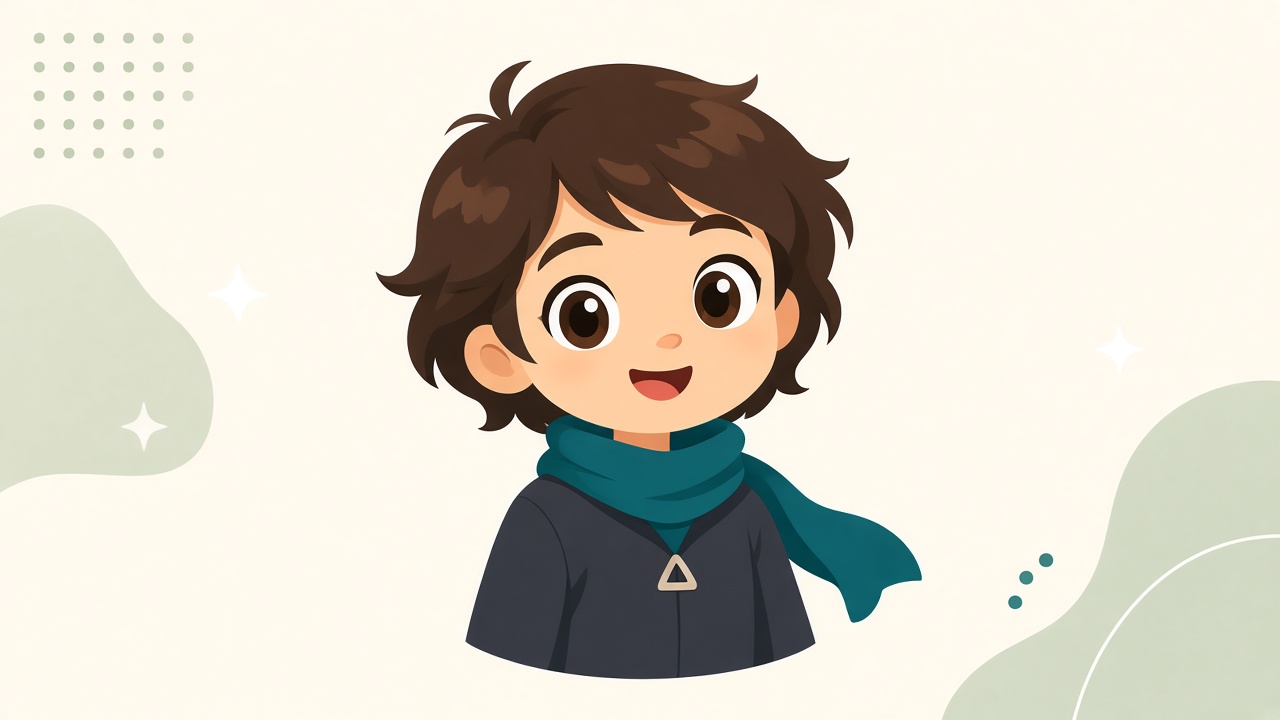
This cartoon character generator is a guided entry into the Hunata AI agent. Use Form mode to pick style, subject type, age vibe, proportions, hair, eyes, expression, outfit, palette, pose, and background—sensible defaults mean you can run with almost no typing. Switch to Prompt mode anytime to edit the composed brief.
Creators use it when they need a consistent look for stories, merch mockups, or social avatars. Capture style, personality, outfit, palette, and pose in one brief so the agent returns something you can reuse instead of a one-off chat reply.
Sign in before you submit so credits and history stay with your account. Results show on the page status panel and later under My Tasks, including any downloadable files the agent produces.
Writers building series Bibles, teachers designing classroom mascots, and indie game makers all benefit from a reusable character sheet. Hunata keeps that sheet next to your credit ledger so you can reopen it while you refine outfits or expressions across several agent runs.
How this cartoon character generator works with Hunata
Start in Form mode and choose chips for style (chibi, anime, western cartoon, flat vector, Pixar-like 3D, and more), subject, hair, outfit presets, palette, pose, and background. Optional notes cover personality and must-include details. The form composes one clear prompt; open Prompt mode to fine-tune it. Click Run with Hunata to queue the same AI agent job pipeline as the home page. Credits are charged when the job is accepted; failed jobs are refunded. Open My Tasks anytime to reopen results or download files.
When to use a cartoon character generator vs the home page agent
Use this page when you want structured cartoon character options instead of writing a long prompt from scratch. Use the home page AI agent box for open-ended creative tasks, or browse related agent pages like what is an AI agent and try AI agent free if you are still exploring how Hunata works. Every tool page shares the same credits and worker as the home page.
Tips for stronger cartoon character briefs
Combine one strong silhouette style with a clear outfit preset and a single accent color. Use Must include for a signature accessory. Preview the composed prompt before you submit, then switch to Prompt mode if you need tighter wording. When you need an avatar-sized mark instead of a full character, switch to the YouTube channel icon maker; when you need a streaming persona, open the AI VTuber generator. Credits and login rules stay identical across these Hunata AI agent pages.